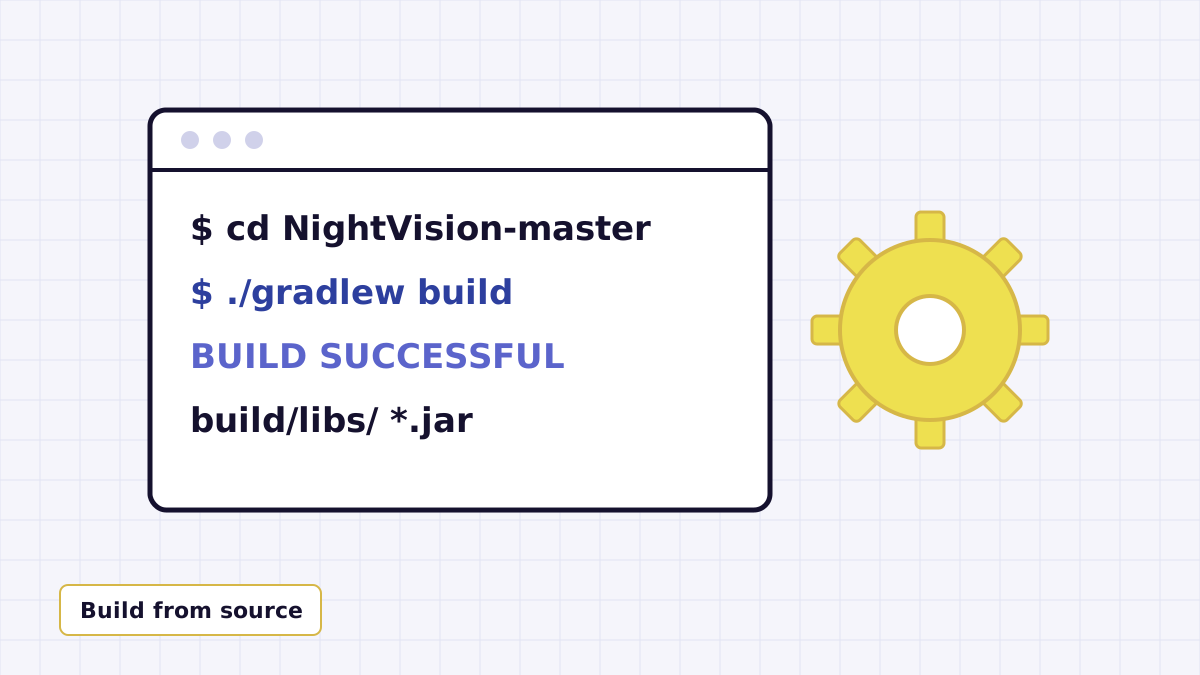
Most mod downloads give you a jar. The Night Vision Mod link on this site gives you the project's source code instead, straight from GitHub. That is a good thing if you like knowing exactly what you install, but it means one extra step. This guide covers it from start to finish.
What is inside the ZIP
After unzipping you get a folder called NightVision-master with:
nightvision-fabric: the Fabric version of the mod.nightvision-neoforge: the NeoForge version.nightvision-mod: a small module that packages both into one combined jar.gradlewandgradlew.bat: the Gradle wrapper, which downloads the right Gradle version for you.gradle.properties,CHANGELOG.md,README.mdand the MITLICENSE.
Install a Java 25 JDK
The Fabric project sets its Java target to 25, so the build needs a Java 25 Development Kit, not just a runtime. Install a JDK 25 from any distribution you trust and check it in a terminal:
java -version
The output should mention version 25. If you have several JDKs installed, set JAVA_HOME to the Java 25 one before building.
Run the build
Open a terminal in the NightVision-master folder (the one containing gradlew) and run:
./gradlew build
On Windows Command Prompt or PowerShell, run gradlew.bat build. On macOS or Linux, if you see a permission error, run chmod +x gradlew first.
The first build takes a while because the wrapper downloads Gradle (the wrapper is pinned to 9.5.1) along with Minecraft mappings, the Fabric toolchain and NeoForge. Later builds are much quicker.
Find the jar
Each module writes its output to its own build/libs folder:
nightvision-fabric/build/libsfor the Fabric jar.nightvision-neoforge/build/libsfor the NeoForge jar.nightvision-mod/build/libsfor the combined jar intended for both loaders.
Some folders may also contain a -sources jar. That one holds source code for developers; do not put it in your mods folder.
Common build errors
| Error message mentions | Likely cause and fix |
|---|---|
| Unsupported class file version, or toolchain not found | The wrong Java version is active. Install JDK 25 and point JAVA_HOME at it. |
| Could not resolve or download | Gradle cannot reach the internet or a repository. Check your connection, proxy or firewall and retry. |
| gradlew: not found / permission denied | You are in the wrong folder, or the script is not executable. cd into NightVision-master and run chmod +x gradlew. |
| Out of memory | The project already asks Gradle for 3 GB. Close other heavy programs and build again. |
Next step: install it
With a jar in hand, follow the Fabric install guide or the NeoForge section of the loader guide.