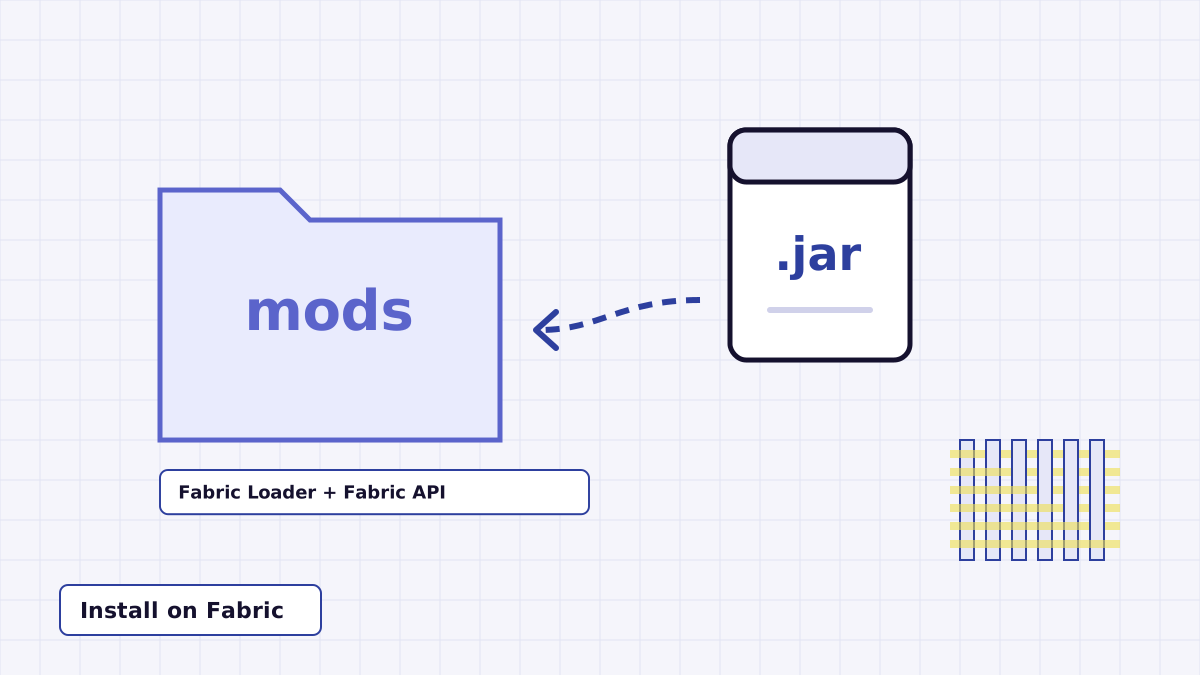
Fabric is one of the two loaders Night Vision Mod is built for, and it is the one most people reach for with small client-side mods. This guide takes you from the source archive to pressing N in a Fabric world. Every requirement listed here comes from the mod's own build files.
What you need before starting
- Minecraft: Java Edition at a version the jar supports. The current source declares a range of 26.1.2 up to, but not including, 27.
- Fabric Loader 0.19.3 or newer. The mod's metadata sets this as the minimum loader version.
- Fabric API. The mod lists
fabric-apias a dependency, so Fabric will refuse to start it without the library. - The Night Vision jar. The download on this site is source code, so you build the jar first (below).
If you want Night Vision for an older Minecraft version such as 1.20.1 or 1.21, the current source will not help. Read the version support guide first.
Step 1: build the jar from the source ZIP
Grab the archive from the Download section on the homepage, unzip it and open a terminal inside the extracted NightVision-master folder. Then run the Gradle wrapper:
./gradlew build
On Windows use gradlew.bat build. You need a Java 25 JDK for the current source. When the build finishes, the Fabric jar is in nightvision-fabric/build/libs, and a combined jar for both loaders is produced by the nightvision-mod module. If anything goes wrong here, the build-from-source guide lists the usual causes.
Step 2: install Fabric Loader
Run the Fabric installer, pick the client tab, choose the same Minecraft version your jar targets and install. The installer adds a new Fabric profile to the Minecraft Launcher. Launch that profile once and close the game; this creates the mods folder inside your game directory.
Step 3: add Fabric API
Download the Fabric API build that matches your Minecraft version and place the jar in the mods folder. Without it, Fabric shows a dependency error on startup that names fabric-api as missing.
Step 4: add Night Vision and launch
Copy the Night Vision jar into the same mods folder. Start the Fabric profile, open or create a world and press N. A message above the hotbar reads Night Vision: ON in green, and the world brightens. Press N again for Night Vision: OFF.
On Fabric the toggle resets to off whenever the client loads a new level, so you will press the key again after switching worlds.
If it does not work
Most failures come down to three things: a Minecraft version outside the jar's range, missing Fabric API, or a key conflict on N. Shader packs can also hide the effect entirely. Work through the Night Vision Mod troubleshooting checklist in order and you will usually find it within a minute.