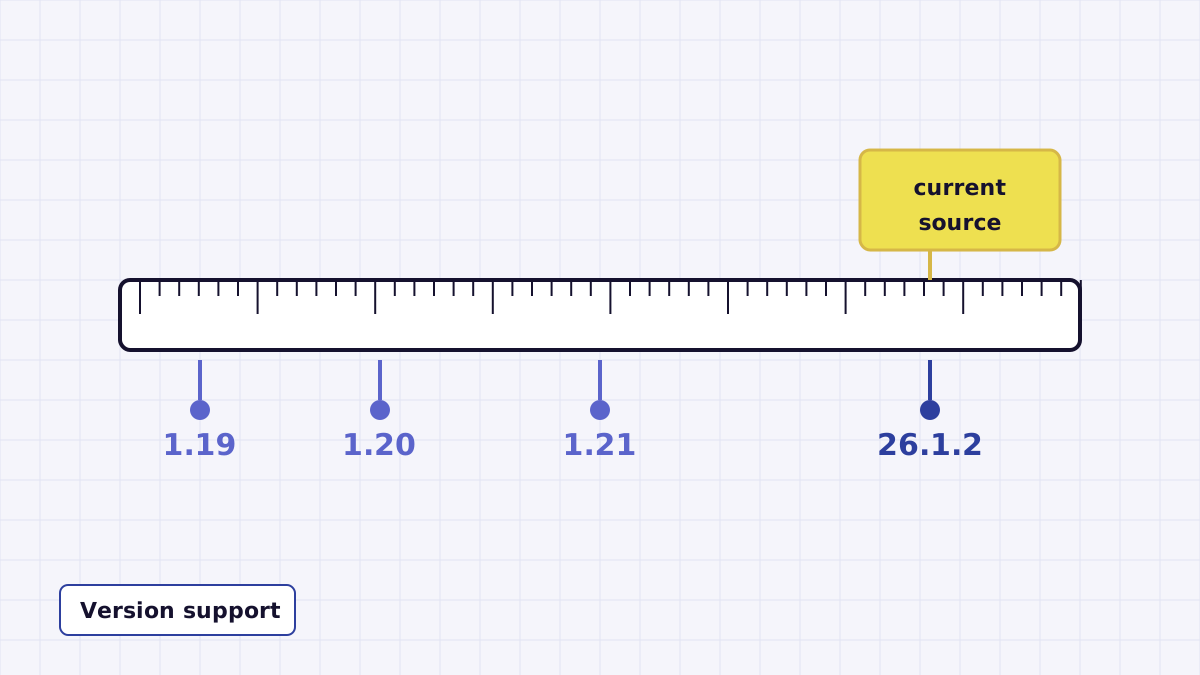
Minecraft version numbers are the most common source of confusion with any mod, and Night Vision Mod has spanned a lot of them. This guide sorts out what the current source supports, where older versions like 1.20.1 and 1.21.11 fit, and how to check any jar yourself before installing it.
What the current source supports
The source on the master branch declares mod version 1.2 and is configured for Minecraft 26.1.2. Its Fabric version range is >=26.1.2 <27 and its NeoForge range is [26.1.2,27), which both mean any release from 26.1.2 up to, but not including, 27. The changelog entry for 1.2 names 26.1.2 and 26.2 specifically.
In practice: if you build the current source, you get a jar for Minecraft 26.x and nothing earlier.
Where older Minecraft versions fit
| Your Minecraft version | Relevant mod release | Notes |
|---|---|---|
| 26.1.2, 26.2 | 1.2 (current source) | Fabric and NeoForge. |
| 1.21.x, including 1.21.11 | 1.1 | The changelog says "Support 1.21" without listing each patch, so check the jar's declared range for your exact version. |
| 1.20.x, including 1.20.1 | 1.0.2 to 1.0.6 | 1.0.2 added 1.20; 1.0.5 opened the range to 1.19 onward. Fabric and, from 1.0.3, Forge. |
| 1.19.x | 1.0.1 onward | 1.0.1 added 1.19.x support. |
This table only restates the changelog. It does not promise that a specific old jar exists for a specific patch version. The jar's own metadata is the final word.
How to check any jar's version range
A jar is a ZIP file, so you can open it with any archive tool and read its metadata without installing it:
- Fabric jars contain
fabric.mod.json. Look atdependsand theminecraftentry. - NeoForge jars contain
META-INF/neoforge.mods.toml. Look for the dependency block withmodId = "minecraft"and itsversionRange. - Older Forge jars contain
META-INF/mods.tomlwith a similar block.
If your Minecraft version is outside that range, the loader will refuse to start the mod, usually with an error naming the version it wanted.
Can I build an older version myself?
The download link on this site points to the current master branch only. Building an older version would mean using an older commit of the repository, with its own toolchain requirements. That is possible for developers, but if you just want to play, a pre-built jar whose range matches your game is the simpler route. Whatever you choose, confirm the author is offkiltermc.