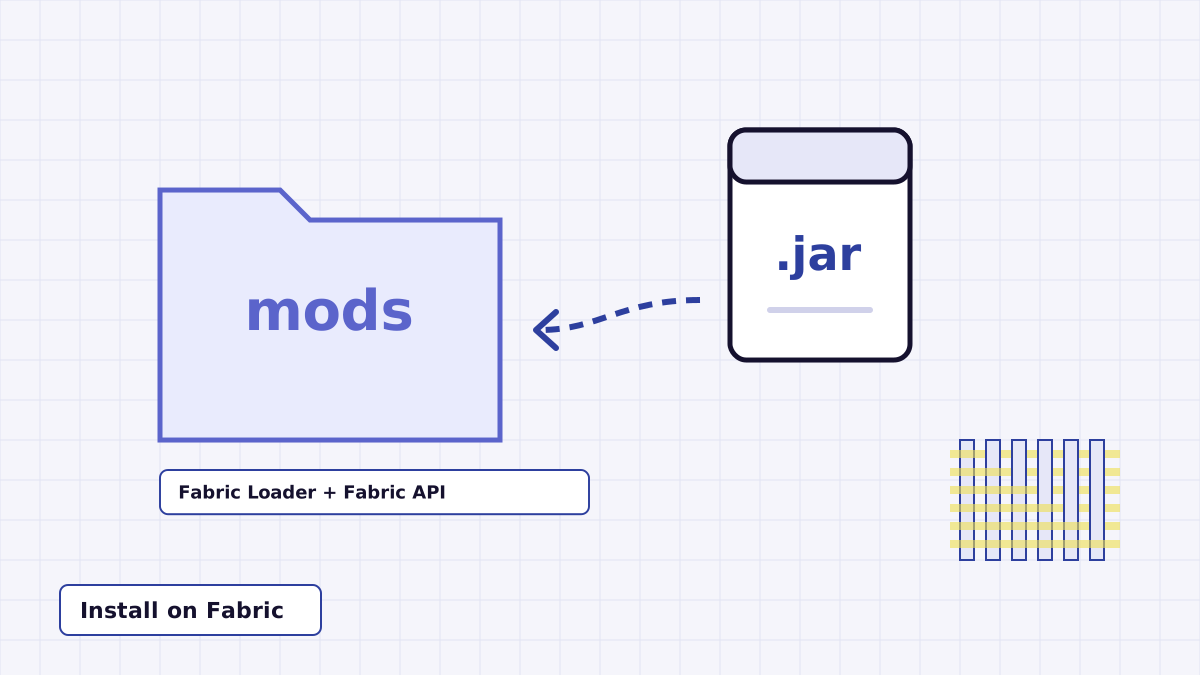
Install Night Vision Mod on Fabric
Build the jar, set up Fabric Loader and Fabric API, and get the N toggle working.
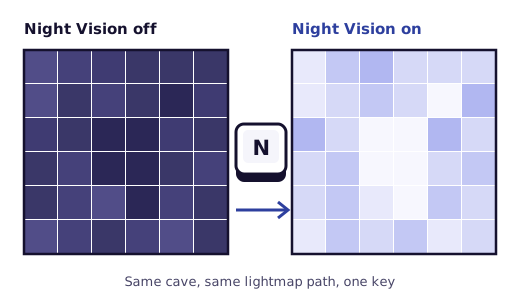
Night Vision Mod is a small client-side Minecraft mod by offkiltermc. Press N and the game draws the world with the same lighting the Night Vision effect uses. No potion, no command, no server install. Press N again to switch it off.
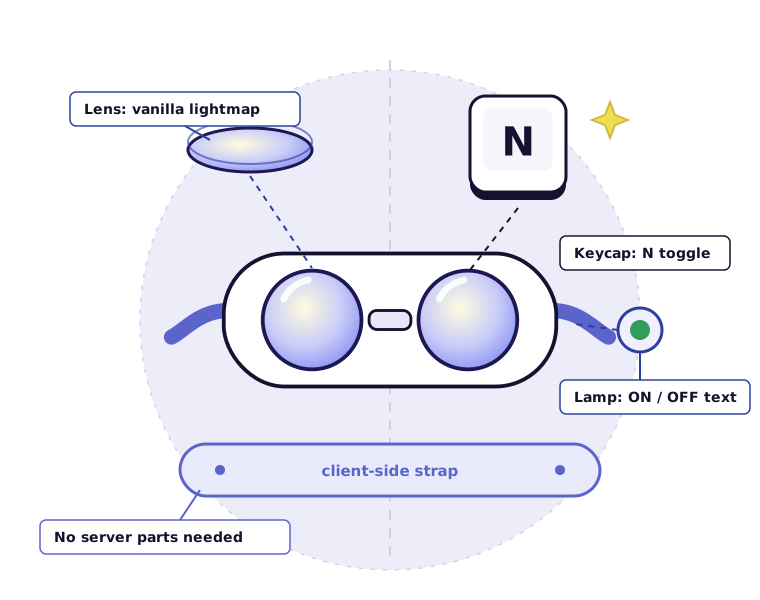
Night Vision Mod adds one thing to Minecraft: a key that switches night vision on and off. It does not brew potions or run commands for you. Instead, when the toggle is on, the mod answers the game's question "does this player have Night Vision?" with yes, and Minecraft's own lighting code brightens everything as it would with the real effect.
The author describes it as a tool for messing around in Creative mode or flying through the world in Spectator, where being able to see an entire cave network at a glance is the point. It is completely client-side, so it never needs to be installed on a server.
The project is open source under the MIT License and lives in the OffKilterMC/NightVision repository on GitHub. One source tree builds for both the Fabric and NeoForge loaders.
Everything below comes from the mod's source code and README. It is a deliberately small mod, so the list is short and specific.
Press the hotkey once and night vision is on; press it again and it is off. The binding is a normal Minecraft key mapping, so you can move it to any key from the Controls screen if N is already taken.
It switches on the same lightmap the Night Vision effect uses, rather than pushing your gamma past its limits.
An ON or OFF message appears above the hotbar each time you press the key.
Unlike a potion, there is no duration counting down. It stays on until you turn it off.
On Fabric the toggle goes back to off when a new level loads, so you start each world in normal lighting.
Nothing to install on a server. Install it in your own game and it works in single-player worlds and anywhere you play.
MIT-licensed code with Fabric and NeoForge projects side by side, plus a module that packages a combined jar.
Four stops on the line, from the archive on GitHub to a lit-up cave in your world.
Get the source ZIP from the Download section. It contains the Fabric and NeoForge projects and the Gradle wrapper.
Build the jar, then place it in the mods folder of a Fabric or NeoForge profile for a matching Minecraft version.
Optional: open Controls, find Night Vision under Miscellaneous and change the key if N clashes with another mod.
Start the game with your loader profile, enter a world and press the key. The status message confirms it is on.
The download is source code, so setup has one extra step most mods skip: building the jar. After that, follow the track for your loader.
Unzip the archive, open a terminal in the extracted NightVision-master folder and run the wrapper:
./gradlew build
On Windows, run gradlew.bat build instead. Each module writes its jar to its own build/libs folder. The nightvision-mod module packages a combined jar intended for both loaders. The full build guide covers errors and outputs.
mods folder. The mod lists it as a dependency.mods folder.mods folder.mods folder.Based on the project's changelog and build files. Older rows describe past releases; the download on this site is the current source only.
| Mod version | Minecraft | Fabric | Forge | NeoForge |
|---|---|---|---|---|
| 1.2 (current source) | 26.1.2 and 26.2; range up to 27 | Supported | Not built | Supported |
| 1.1 | 1.21 | Supported | Dropped | Added |
| 1.0.3 to 1.0.6 | 1.19 onward (1.20.4 on Forge unverified by the author) | Supported | Supported | Not yet |
| 1.0 to 1.0.2 | 1.19.x, then 1.20 | Not stated | Not listed | Not yet |
The current source will not build for either. Use a release whose declared range includes your exact version; see the version support guide for how to check.
Known conflict: shaders such as BSL bypass the lightmap code the mod changes, so night vision may appear to do nothing.
No server install is needed. The mod runs in your client; server rules about vision aids still apply.
Not supported. Fabric and NeoForge are Java Edition loaders.
The project's changelog, newest first. The changelog lists no dates, so none are shown here.
Support for Minecraft 26.1.2 and 26.2.
Support for Minecraft 1.21. Forge dropped in favour of NeoForge.
Fixed the Fabric version compatibility range.
Allowed the mod to run on Minecraft 1.19 onward. The author could not verify 1.20.4 with Forge.
Changed how night vision is turned on.
Support for both Fabric and Forge.
Support for Minecraft 1.20.
Support for Minecraft 1.19.x.
Initial release.
Keep working on a build through the night or deep underground without placing torches you will only remove later.
Fly through stone in Spectator mode with night vision on and the shape of a whole cave system becomes readable at once.
The author mentions using it with Carpet mod's creative no-clip to fly through terrain and see everything around you.
Capture interiors, mineshafts or night scenes with every block visible, then switch back to normal lighting with one press.
Where it fits less well: normal survival play, which the author does not recommend it for, and checking light levels for mob spawning, since night vision hides exactly the darkness you would be looking for.
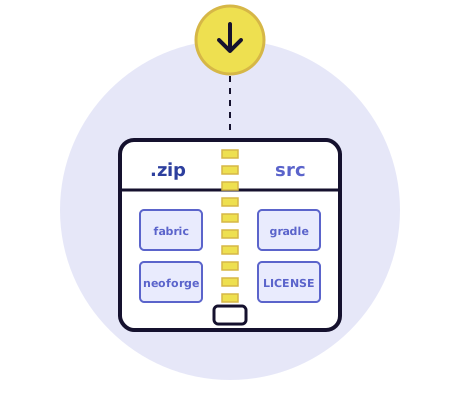
The button below downloads a ZIP of the Night Vision Mod source code from the master branch of the OffKilterMC/NightVision repository on GitHub. Build it with the included Gradle wrapper to get the mod jar, as described in the setup work order.
The file comes straight from github.com and is not a pre-built jar. Because the branch can change, open CHANGELOG.md in the archive to confirm the version you received.
Symptoms on the left, likely causes and fixes on the right. The full troubleshooting guide goes deeper.
Check Controls, Key Binds, Miscellaneous for a conflict on N, and make sure you are in a world rather than a menu. If no ON or OFF message appears at all, the mod probably did not load.
Usually a mismatch: a jar built for 26.x will not load on 1.21, a Fabric profile needs Fabric API, and a NeoForge profile needs NeoForge 26.1.2.94 or newer.
A shader pack is the likely cause. Shaders such as BSL skip the lightmap the mod uses. Turn the shader pack off and try again.
On Fabric the toggle resets when a new level loads, for example after joining another world. Press the key again.
Confirm a Java 25 JDK is installed and selected, run the command from the folder containing gradlew, and make sure Gradle can reach the internet to download dependencies.
Step-by-step help for setup, version questions and fixes.
Build the jar, set up Fabric Loader and Fabric API, and get the N toggle working.
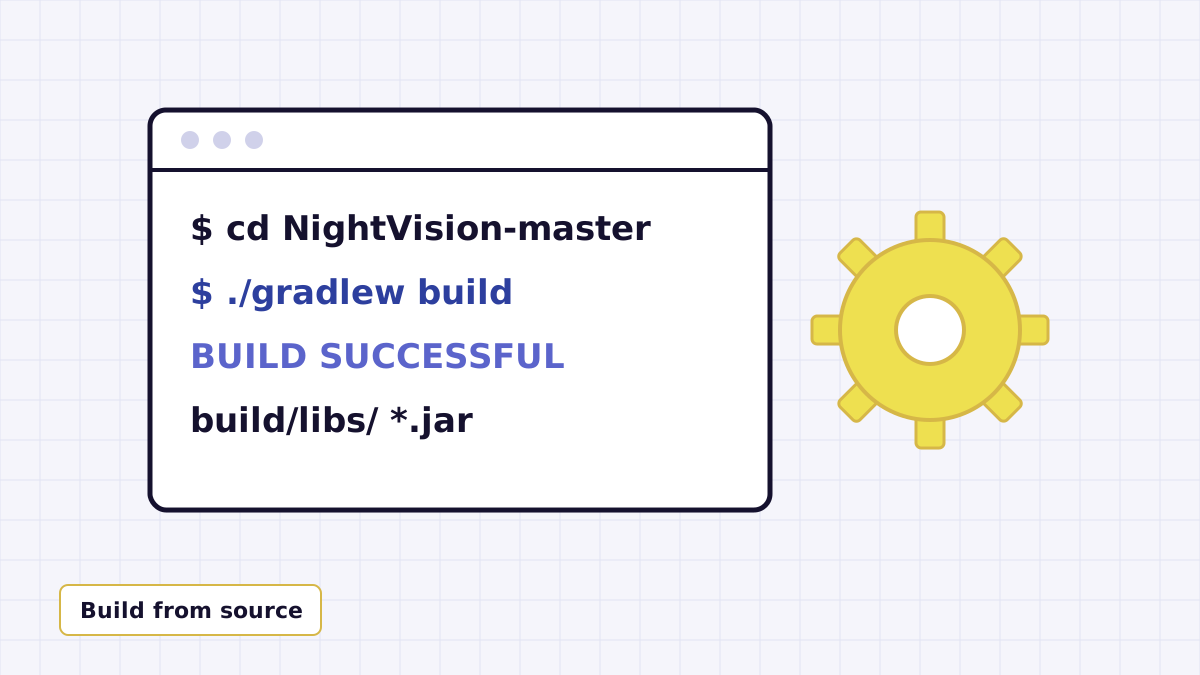
Turn the source ZIP into a working jar with the Gradle wrapper and Java 25.
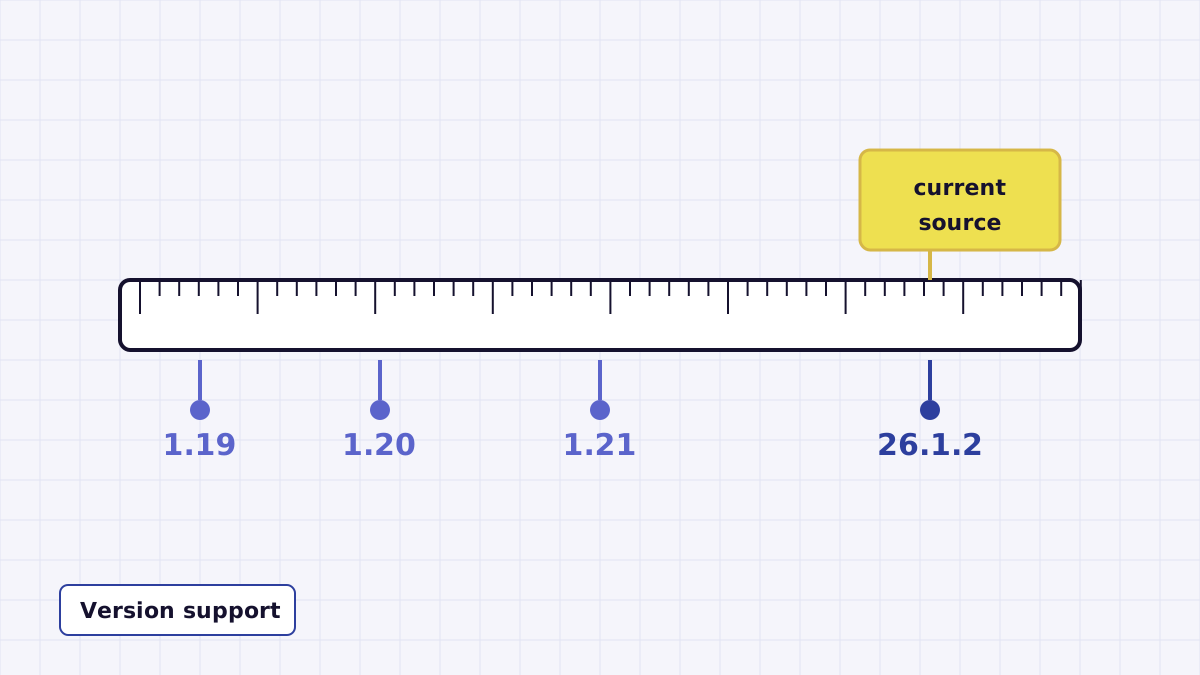
What the current source covers and how to check any jar's Minecraft range.
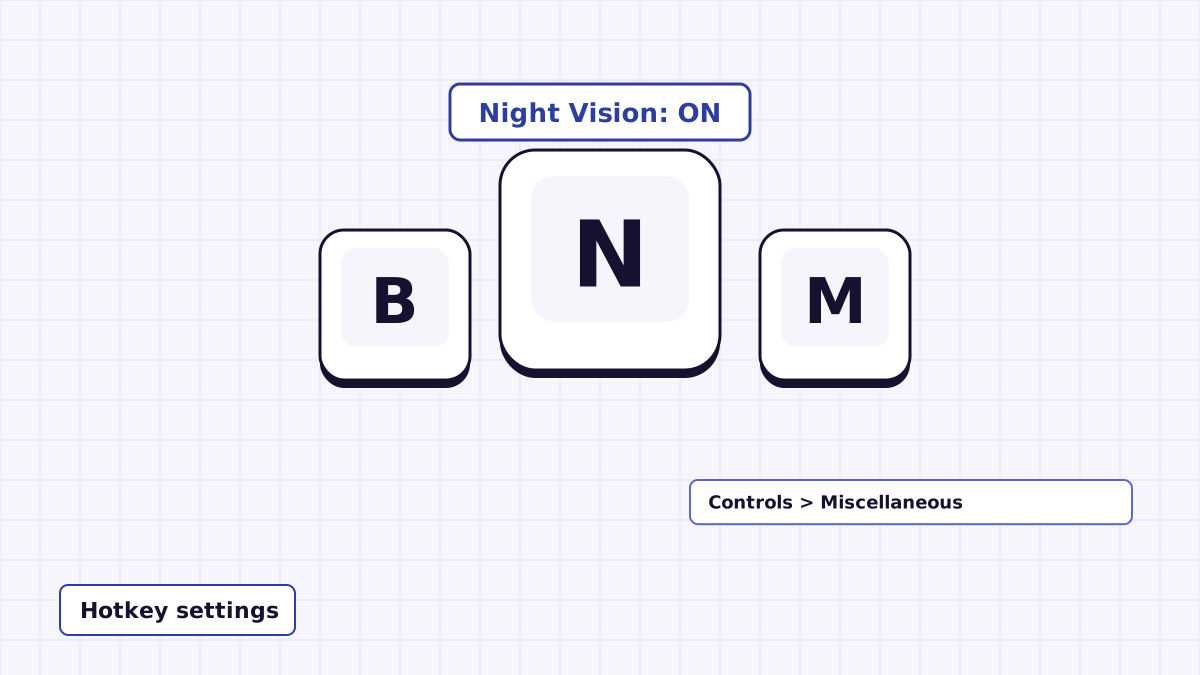
Find the Night Vision binding, move it off N and avoid clashes with other mods.
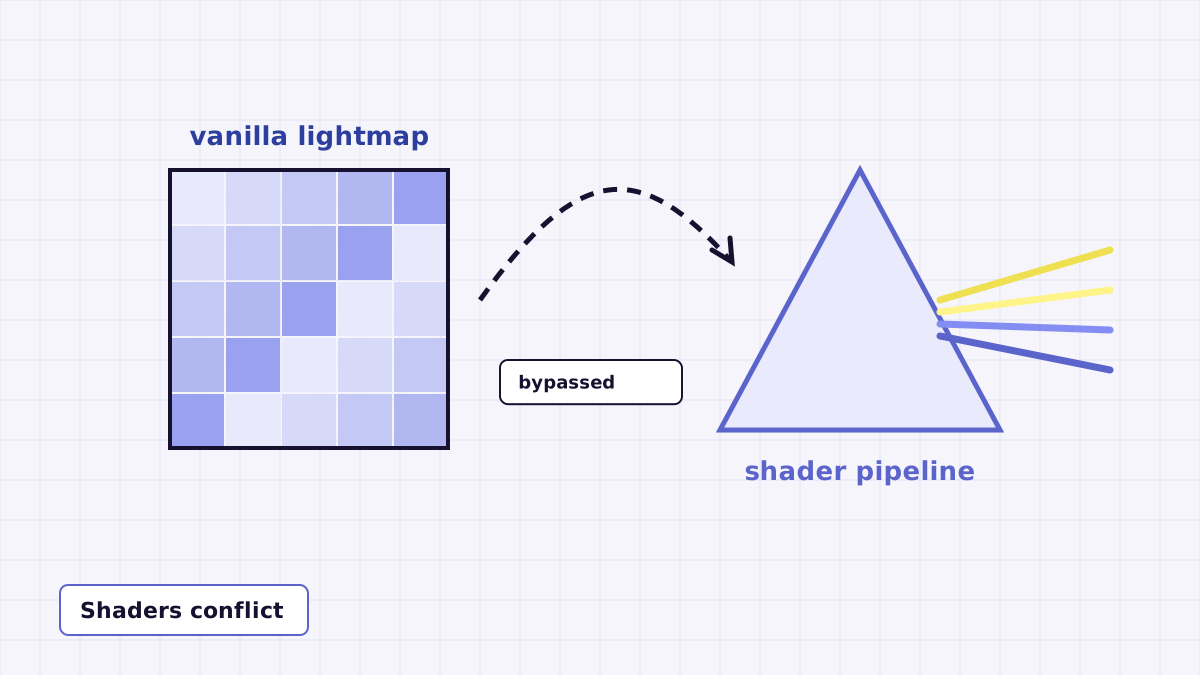
BSL and similar packs skip the lightmap the mod uses. Here is what to do.
A balanced look at what you get, and what you do not.
Twenty answers, filed in two sections of the manual.
No. The download button links to a ZIP of the mod's source code from the master branch on GitHub. To get a jar you can drop into your mods folder, unzip it and run the included Gradle wrapper build. The Setup section and the build guide walk through it.
The current source contains two loader projects: Fabric and NeoForge. The Fabric build depends on Fabric Loader 0.19.3 or newer plus Fabric API. The NeoForge build declares NeoForge 26.1.2.94 or newer.
Only older releases. Forge support was added in version 1.0.3 and kept through 1.0.6. Version 1.1 dropped Forge and moved to NeoForge, so the current source does not build a Forge version.
The source is set up for Minecraft 26.1.2, and its version range accepts any release from 26.1.2 up to (not including) 27. The changelog for version 1.2 lists support for 26.1.2 and 26.2.
Version 1.1 of the mod is the release that added 1.21 support. The current master source targets 26.x instead, so building it will not give you a 1.21 jar. For any 1.21.x version, use a build whose declared Minecraft range includes your exact version.
The changelog shows 1.20 support arriving in version 1.0.2, and version 1.0.5 opened the range to Minecraft 1.19 onward. A 1.0.x build with a matching range is what you would need for 1.20.1; the current source is not set up for it.
No. The mod's own description says it is completely client-side, so it only needs to be in your game's mods folder. Nothing is added to the server.
The current Fabric project targets Java 25, so you need a Java 25 JDK on your machine to run the Gradle build. Playing the game uses whatever Java runtime your launcher provides for that Minecraft version.
This site only links to the GitHub source archive and does not track third-party listings. If you get a compiled jar from any mod platform, check that the author is offkiltermc and that the jar's Minecraft version range matches your game.
No. It is a Java Edition mod built for the Fabric and NeoForge loaders, which only run on Minecraft: Java Edition. Bedrock and Pocket Edition use a different add-on system.
Load into a world and press N. Press N again to turn it off. Each press flips the setting and shows its new state above the hotbar.
Open Options, then Controls, then Key Binds, and look in the Miscellaneous category for the entry named Night Vision. Click it and press the key you want instead of N.
Each time you press the key, a short message appears above the hotbar reading Night Vision: ON in green or Night Vision: OFF in red.
On Fabric, the mod resets the toggle to off whenever the client loads a new level, such as joining a different world. Press the key again to turn it back on. The NeoForge source has no such reset.
The brightening is the same: the mod tells the game you have the Night Vision effect, so the vanilla lighting code does the work. The difference is that there is no potion to brew, no timer and no command; you switch it on and off yourself.
Not reliably. The README notes that shaders such as BSL bypass the lightmap code the mod relies on, so you may see no change while a shader pack is active.
No. There is no settings screen or brightness level. The mod has two states, on and off, and uses the game's normal night vision lighting when it is on.
That depends on each server. Because it removes darkness, some servers treat client-side vision aids as unfair. Read the server rules or ask the staff before joining with it installed.
Yes. The source code is published on GitHub under the MIT License, which lets you use, modify and share it as long as the license notice is kept.
The toggle works in any game mode. The author suggests it mainly for Creative and Spectator, for example flying through terrain to look at cave networks, and says it is not recommended for normal survival play.